Be yourself; Everyone else is already taken.
— Oscar Wilde.
This is the first post on my new blog. I’m just getting this new blog going, so stay tuned for more. Subscribe below to get notified when I post new updates.
My Portfolio for COM 210 at WSU
Be yourself; Everyone else is already taken.
— Oscar Wilde.
This is the first post on my new blog. I’m just getting this new blog going, so stay tuned for more. Subscribe below to get notified when I post new updates.
This semester was filled with a variety of different Adobe tutorials and applications. All of which were highly informative and provided me with knowledge that can contribute to my future. My most favorite project that we worked on this semester was the Adobe Photoshop graphic design project. This project was such a fun enjoyable process. To start off we were able to collect images to incorporate. These images were all in relation to our final product of something that we had passion and experiences for. It was really interesting to gain a new understanding of the software and the all possible techniques that can be used. These techniques and skills will be something I can apply in my future sport marketing career.
Each Adobe application we used provided me with different skills. I will most specifically be using photoshop techniques to create promotional marketing posters in athletics. These graphic creation skills will also be useful in creating click advertisements on online ticket websites for sporting events. Adobe Illustrator will allow me to create logos and other designs for various sport flyers, programs and promotional calendars. I could also possibly be using Premiere in order to create video board clips as well as other media promotions.
I hope to be certified in the Sport Management major under the Carson College of Business. I see myself working for a sports organization in the Northwest in the marketing department. This will require of me to create promotional materials including; flyers, programs and posters as well as potentially videos.
I felt that all skills learned here were highly beneficial. I learned more than I expected to in this course. Each tutorial really provided enough feedback and tips in order to learn the basis of the application techniques. There isn’t any skills or applications that I wished to learn for this course specifically.
All websites that I found to assist with projects were other basic YouTube tutorials specific to the applications for the project.
For this final video story, I continued to carry on with a narration of my path. More specifically my path in the sports management industry. I discuss through an audio clip that is incorporated into video. The initial image in the draft is my own logo that was created earlier in the semester using illustrator that displays a prototype resume logo. The following video clip comes from a fan engagement clip I took at an NBA game. I also incorporated media images collected from my experience in the industry.
To gain inspiration for this video story I accessed a variety of sources but also used inspiration from previous course projects. In using my logo first, I thought this would incorporate an additional element. With the narration audio clip, I specifically gathered inspiration from a Work in Sports Podcast that discussed a story about an individual in the same industry. To aid in the visual portion I incorporated a previously recorded video from a professional sports game. This was a video at a Portland Trailblazer’s game a place that I hope to work my way up to one day. After collecting all of the pieces I was able to compile them into one product.
In the collection process of these materials I began by using my personal smartphone to record video footage from a fan engagement portion of an NBA game. I also used my smartphone to take images of my coaching and internship experiences. The next step was to record my own narration using the Voice Memo application on my smartphone. In creating the professional business logo, I used Adobe Illustrator. Using Adobe Premiere I created a new sequence using my voice narration, basketball game clip, and the business logo. To follow I trimmed the pieced together sequence. Next, I added an effect by incorporating a dipped to black transition from my logo to the clip. I placed the narration of the audio section of the sequence to ensure that it played in the background of the video. A challenge that I encountered was trimming the sequence to the exact specified time. I recommend to others to use the arrow keys instead of a mouse or track pad. For the final product I imported three new media photos. I then aligned the images to align with the audio narration. The next step was to add a dip to white effect and on the final image I did a total image dissolved animation.
The feedback provided by my peers offered various perspectives on areas of my video that could use changes and improvements. In summary, my peers included that I should add more video clips from my experiences in the industry rather than just footage from the game I had attended. Additionally, a critique included that I could significantly decrease the overall length of the original clip while still keeping it for the final product. Another suggestion took into strong consideration was to plan the media clips accordingly so that they align with my audio narration.
For this draft video story, I continued to carry on with a narration of my path. More specifically my path in the sports management industry. I discuss through an audio clip that is incorporated into video. The initial image in the draft is my own logo that was created earlier in the semester using illustrator that displays a prototype resume logo. The following video clip comes from a fan engagement clip I took at an NBA game.
To gain inspiration for this draft story I accessed a variety of sources but also used inspiration from previous course projects. In using my logo first, I thought this would incorporate an additional element. With the narration audio clip, I specifically gathered inspiration from a Work in Sports Podcast that discussed a story about an individual in the same industry. To aid in the visual portion I incorporated a previously recorded video from a professional sports game. This was a video at a Portland Trailblazer’s game a place that I hope to work my way up to one day. After collecting all of the pieces I was able to compile them into one product.
In the collection process of these materials I began by using my personal smartphone to record video footage from a fan engagement portion of an NBA game. The next step was to record my own narration using the Voice Memo application on my smartphone. In creating the professional business logo, I used Adobe Illustrator. Using Adobe Premiere I created a new sequence using my voice narration, basketball game clip, and the business logo. To follow I trimmed the pieced together sequence. Next, I added an effect by incorporating a dipped to black transition from my logo to the clip. I placed the narration of the audio section of the sequence to ensure that it played in the background of the video. A challenge that I encountered was trimming the sequence to the exact specified time. I recommend to others to use the arrow keys instead of a mouse or track pad.
Storyboard: My path to Sports Management
| Visual Elements | Audio Elements |
| 0:00-0:10Here I will include the Moda Center fan engagement clip with a title introducing the narration. Title will read My path in the Sports Management industry. | The audio presented in this clip will be an ambient sound that will fade in and out. |
| 0:10-1:00After 10 seconds I will remove the title. The only visual element will be the Moda Center fan engagement clip. I plan to zoom in on the court itself using premiere tools. | The audio presented in this portion will be my own narration telling the story of my path in the industry. |
| 1:00-1:30The Moda center fan engagement video will be faded out, I will then insert the WSU football fan engagement clip. | The audio presented in this clip will be the same ambient sound from the introduction. I will fade this clip in and increase volume. |
For this audio story project, I decided to create a two-part narrative. For this story line, I decided to discuss my path thus far in the sport management. To follow, I included an interview clip that is relevant to where I am now in the industry. Initially the story starts off with my own narrative voice about my professional path which directly related with my course topic. To complete the story, I sit down with someone who is successful in this exact path I’m taking.
In considering the design process for this final portion of the audio story I gathered inspiration from my files as well as listening to the draft stories of my peers. My inspiration files consisted of sports podcasts. These podcasts often began with an introduction or narration followed by the question and answer portion of an interview. I decided to use similar design principles to those used in the draft construction. This primarily consisted of piecing tracks together as well as changing volume levels. I began this process by recording the narration using the iPhone’s voice memo recorder. From there I recorded an additional clip which was the question and answer interview portion.
In using Adobe Audition for revisions, I first created a new multitrack session. I then uploaded my recorded audio files into the editor. I pieced together the narration clip as well as the interview clip. I then used the razor clip tool to remove any pauses or unneeded sound. I then proceeded to match the decibel levels on all audio recordings. This was to ensure that the listener can clearly delineate what is being said at a reasonable volume that does not sound faded. I then exported the clip as a multitrack mix down session. A technical challenge that I encountered was adjusting the decibel levels. It was difficult to find the right levels of each clip to ensure that they were equal.
For this draft audio story, I decided to tell my story in the sports management industry. I told this story through a narration with my voice being played over ambient sound. The sound was chosen based on an experience I’ve had with sports management. This story directly relates to my overall chosen course topic. At the start of the semester I chose to blog and create projects based on my path to professional career in this industry.
I decided to use design principles that involved layering audio clips, piecing them together and changing volume levels. My idea and inspiration to do so came from audition tutorial examples. Some of the examples included voicing over other audio. More specifically I used the idea of self-recording ambient sounds as the background noise. I began the process by recording the narration using my voice memo on my smart phone. From there I chose to record the ambient sound while I was working for my athletic internship. I also recorded an interview with an athletic marketing director in the same industry I may be using this audio in my final story.
Using Adobe Audition, I first downloaded these files to my computer and created a new multi-track session. From there I uploaded my recorded audio files to Adobe Audition. I placed the audio clips into the editor. I then pieced together the three separate clips I had for the ambient sound to insure they appear in one track. In the separate track, I placed my recorded narrative. I then lowered the decibel volume levels of the internship sound. I faded in the background sound at the beginning and faded the same audio out at the end of the track. To ensure that both clips were played at the same time I placed both clips at the very beginning of each track. I then exported the clip as a multitrack mix down session. One of the technical challenges I encountered was ensuring that the volume of the background ambient sound was quieter than the narration but loud enough that listeners are able to hear what is going on. I found that replaying the tracks separately and following the decibel meter helped to get the right volume.
With the audio I collected I plan to tell my own narrative of my path in this industry. I will also include audio from an internship experience.
Below I embedded my audition tutorial files.
Profile link: https://soundcloud.com/felicia-ziemer

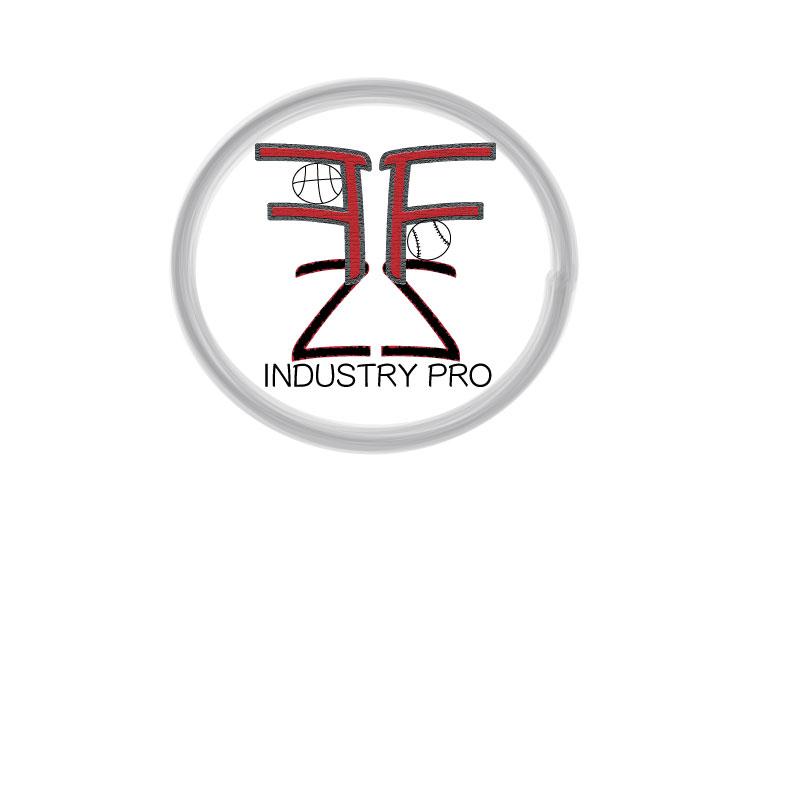
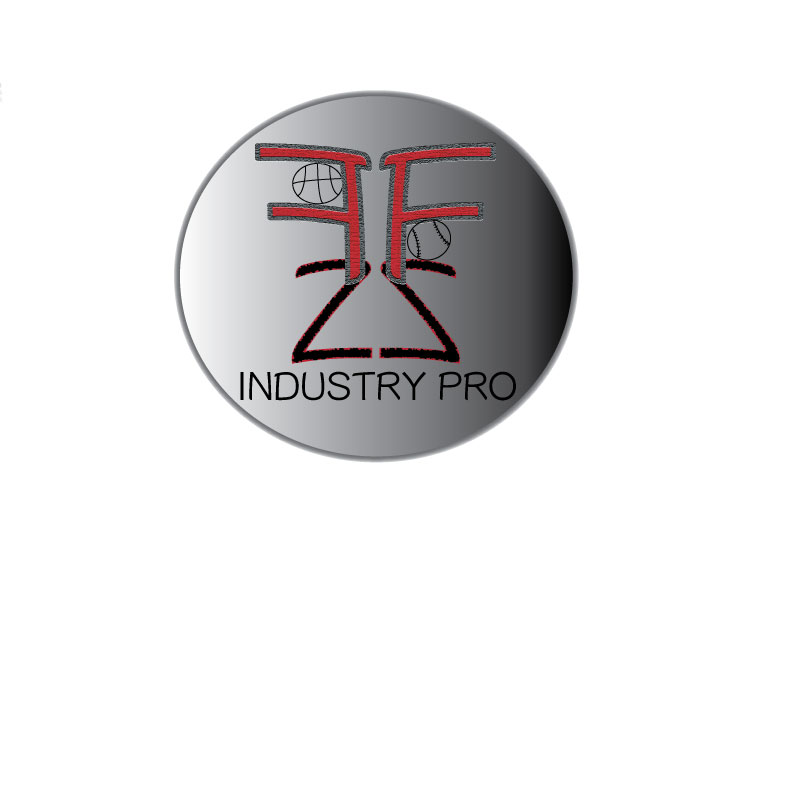
For this logo draft project, I decided to a create a design that incorporates my initials as well as a few graphics. The project design I created directly relates to my course topic. This logo could be something that I potentially use to market myself for my future career. My course topic is the path I’ve taken and plan to take in the sports management industry. I used my initials because this topic is focused around my personal path. The sports objects incorporate potential sports I would work for once I am in the field.
For the design process, I gained inspiration from a website centralized around creating a personal logo. This page outlined expert tips in designing the logo itself and how to best represent your personal brand. I was also influenced through my research online of other sports agent logos in the industry. These elements are significant as they represent who I am and the brand I wish to promote to those who could hire me. To begin my design process, I started to research various logos of professionals in the sports management world. From here I used that inspiration to sketch my logo and transfer it to the artboard.
In creating the original draft, I primarily utilized ellipse tool in addition to the text tool. I began by inserting a variety of vector shapes that were developed from the ellipse tool. In editing the circle around my logo, I specifically applied a mop format but came to find that this was not much of a clean look. During the draft stage, I used the text tool. I applied various textures through the effect tab to each of my initials. Once I was finished with the texture effects I grouped the initials and then transformed them to be reflected. Again, using the text tool, I typed Industry Pro in a simple font. With the use of arc tool alone I was able to create a basketball as well as baseball. In the final stages of editing I chose to not create any more sports objects as I found it could be distracting to the rest of the logo. However, I did resize the font sizes as well as their position in my design process.
Finally, I gained a variety of feedback from my peers on the original draft post. This consisted of various comments that primarily discussed of font sizes as well as adding some color to the background of the logo. In taking this into consideration, I applied a background fill gradient using the live paint bucket tool. From there I also increased the font size of the phrase Industry Pro. Much of the feedback also included that the logo should incorporate more sports objects. However, as my intention was to create a logo that was professional I figured keeping it simple and clean was the right choice.
 Felicia Ziemer