

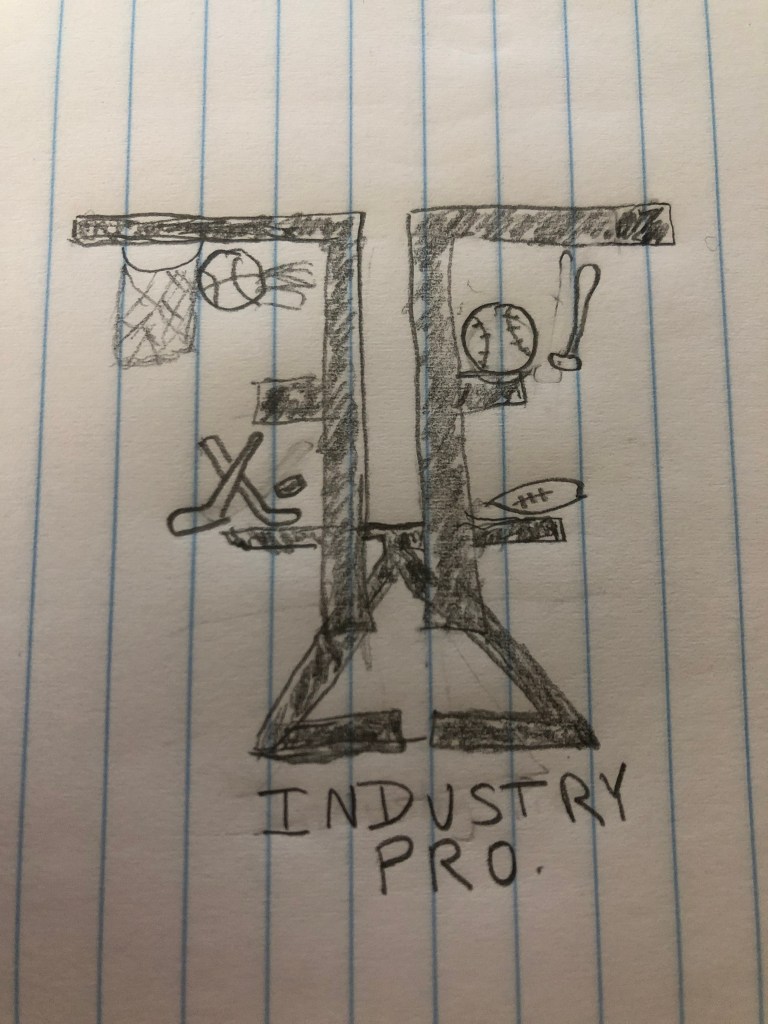
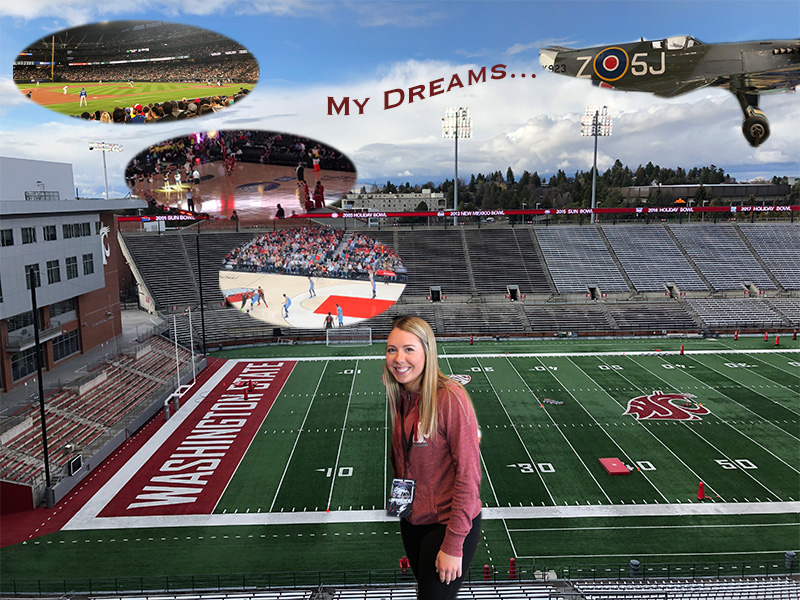
For this logo draft project, I decided to a create a design that incorporates my initials as well as a few graphics. The project design I created directly relates to my course topic. This logo could be something that I potentially use to market myself for my future career. My course topic is the path I’ve taken and plan to take in the sports management industry. I used my initials because this topic is focused around my personal path. The sports objects incorporate potential sports I would work for once I am in the field.
For the design process, I gained inspiration from a website centralized around creating a personal logo. This page outlined expert tips in designing the logo itself and how to best represent your personal brand. I was also influenced through my research online of other sports agent logos in the industry. These elements are significant as they represent who I am and the brand I wish to promote to those who could hire me. To begin my design process, I started to research various logos of professionals in the sports management world. From here I used that inspiration to sketch my logo and transfer it to the artboard.
To create the various elements, I used in this project I primarily utilized the ellipse tool as well as the text tool. I only used elements that I created rather than using the work of others. To begin the process, I first inserted a circle to outline the logo by using the ellipse tool. From there I selected the circle to edit and selected the mop format design and set it to six points. To continue I utilized the text tool within illustrator to type my initials in separate boxes. I selected my initial F and used the effect texture and the craquelure option. From there, I selected my other initial and used the effect formatting under pixelate and the crystalize option. I grouped these initials once I used the move tool to place them in my desired location. Once grouped I duplicated the text and then reflected it. I positioned both sets of initials using the move tool and sent the Z to the back using the arrange option. I again utilized the elliptical tool to create the basketball and baseball. By using the arc tool, I was able to create the seams of the balls themselves. A few of the technical challenges I encountered were ensuring that the seams of the balls were curved using the arc tool. I noticed that the arc tool can be difficult to accurately place the arc. However, I found that placing the arc point farther from where you intend will allow the arc to be more defined.
Inspiration: https://www.designhill.com/design-blog/expert-tips-to-create-a-personal-logo/
https://99designs.com/logo-design/contests/sports-management-company-logo-633775












 Felicia Ziemer