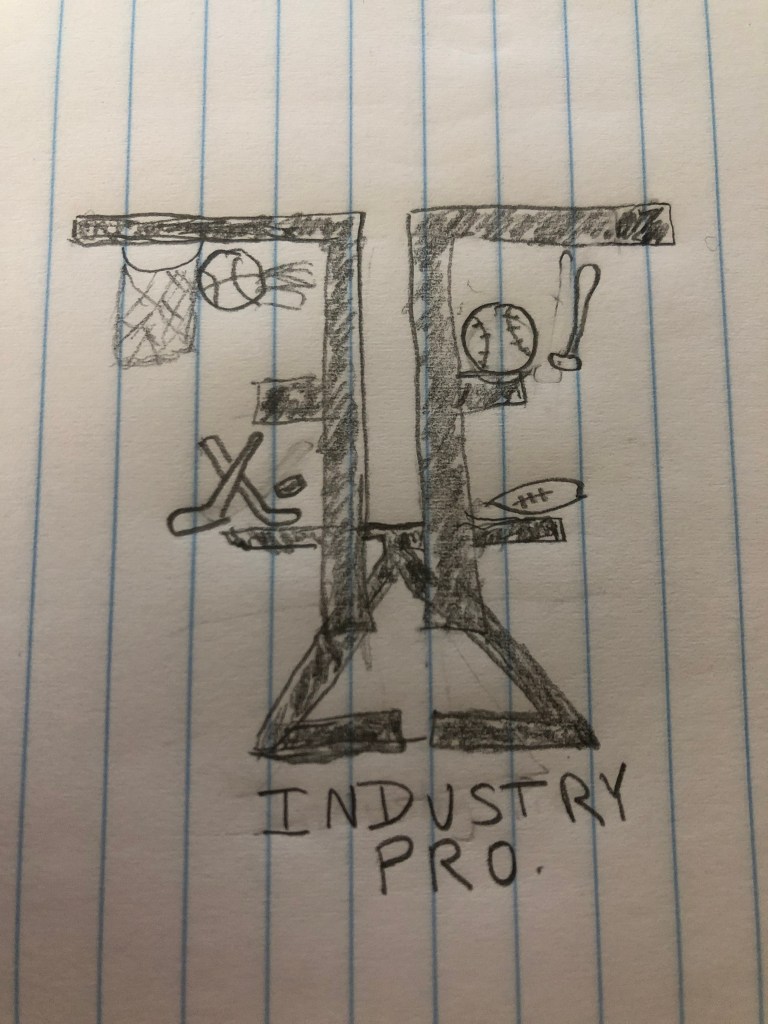
With this logo sketch I plan to use my initials and reflect them with Illustrator tools. I hope to successfully incorporate different sports objects of the industry I hope to be working in one day.
My Portfolio for COM 210 at WSU

With this logo sketch I plan to use my initials and reflect them with Illustrator tools. I hope to successfully incorporate different sports objects of the industry I hope to be working in one day.

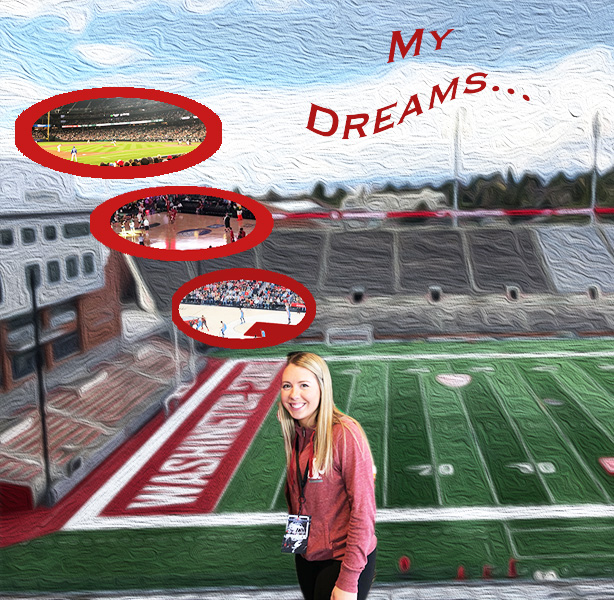
In creating my initial draft, I had no clue where I was headed with the design of the brochure. Upon completion of the draft I came to really enjoy the design I created. During that process, I used a variety of tools however my editing process was fairly basic. To create these bubbles, I placed embedded images I had taken at various professional sports venues. I then used the elliptical marquee tool to create the shape. I took the idea from the brochures and decided to use Martin Stadium as my base layer. I later placed an embedded image of myself and used the magnetic lasso tool to cutout my figure. Once all images were embedded and cutout I used the move tool to place the photos in the correct spots. Using the text tool, I created a title of the brochure and utilized the warp text future to create a flag being pulled by an airplane. As you can tell I used the bare minimum for formatting and editing options.
In considering the peer feedback I received overall, I found it to be very useful. My peers provided me with great insight and ideas to help finalize my project. A couple people discussed how they thought adding borders around my thought bubbles would really bring the concept to life. Additional feedback that was common was the idea that the background needed to be blurred or lightened. My peers mentioned that with a lighter background effect it would not take away from the forefront images. A comment that I considered was applying a gradient to the text. One of my peers also mentioned that the airplane in my initial post was not fitting.
The revision process to complete my final draft was fairly extensive. I began with scaling down the size of my thought bubbles using the edit transform and scale feature. I then removed the embedded airplane image by deleting the layer. From there I decided to emphasize the thought bubbles. I did this by using the elliptical marquee tool and later selecting the area. With the oval selected I used the paint bucket tool to fill in the selected oval. This created a border effect around the embedded images. To enhance the background based off of the feedback I received I used the filter tool from above to select stylize editing option. Under stylize I chose the wind effect. From there I was able to select the depth of the effect. Overall my revision process focused on more fine details.

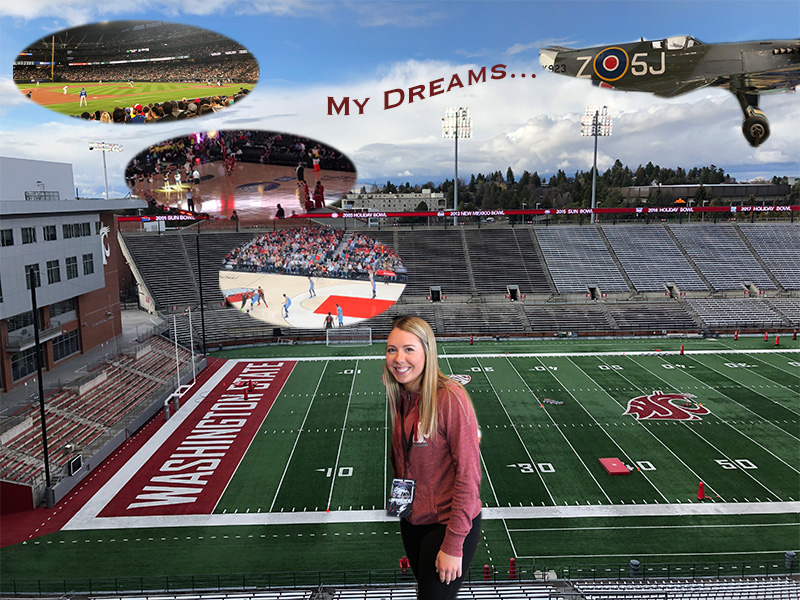
This photo I created depicts a story of my planned path to my future career. The background image is where it’s all going to start. In the heart of Martin Stadium, working with Washington State University athletics in the marketing department. Currently I work in the stadium as a game day intern. From this position, I hope to gain experience to eventually be promoted to a full-time marketing intern. These positions will help me take steps to my future dreams of working at the college level and hopefully one day to obtain a position under a professional sports organization. I gained insight and inspiration from a few places. One of the sources included a podcast from a woman in the same career industry. This sports management podcast outlined her path and the steps she took to get the position she has today.
Considering my idea for the brochure, I used my inspiration files that consisted of various college programs in the industry. Their brochures often depicted students in the industry. These students were working hands on in a sports venue including arenas and stadiums. One specific pamphlet from Cazenovia College displayed a student on a soccer field and listed other internships he had gained through their Sport management program.
The images I used in the mind bubbles are depicting similar steps the woman from the podcast took to become successful. To create these bubbles, I placed embedded images I had taken at various professional sports venues. I then used the elliptical marquee tool to create the shape. I took the idea from the brochures and decided to use Martin Stadium as my base layer. I later placed an embedded image of myself and used the magnetic lasso tool to cutout my figure. Once all images were embedded and cutout I used the move tool to place the photos in the correct spots. Using the text tool, I created a title of the brochure and utilized the warp text future to create a flag being pulled by an airplane. A few challenges I encountered was ensuring that my images were transformed to the correct scale without warping or shrinking the images. I also struggled to use the magnetic lasso tool as it was difficult to accurately cutout my desired portion of the image. I recommend to others to try and use an alternate cutout tool going forward.
https://www.cazenovia.edu/management/sport-management/brochure

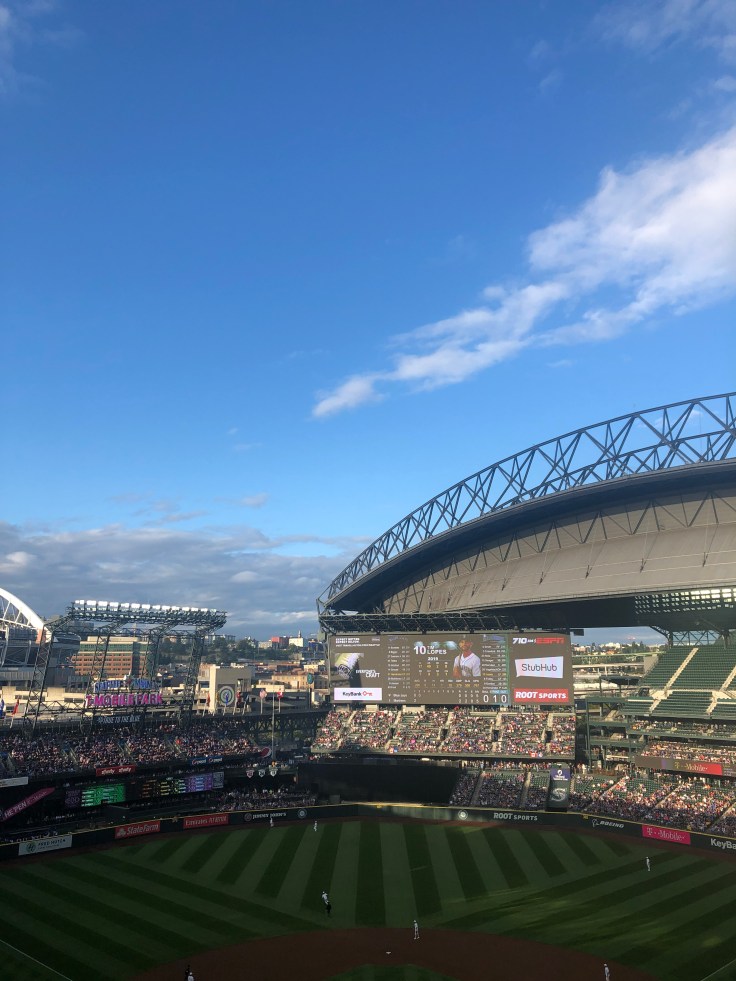
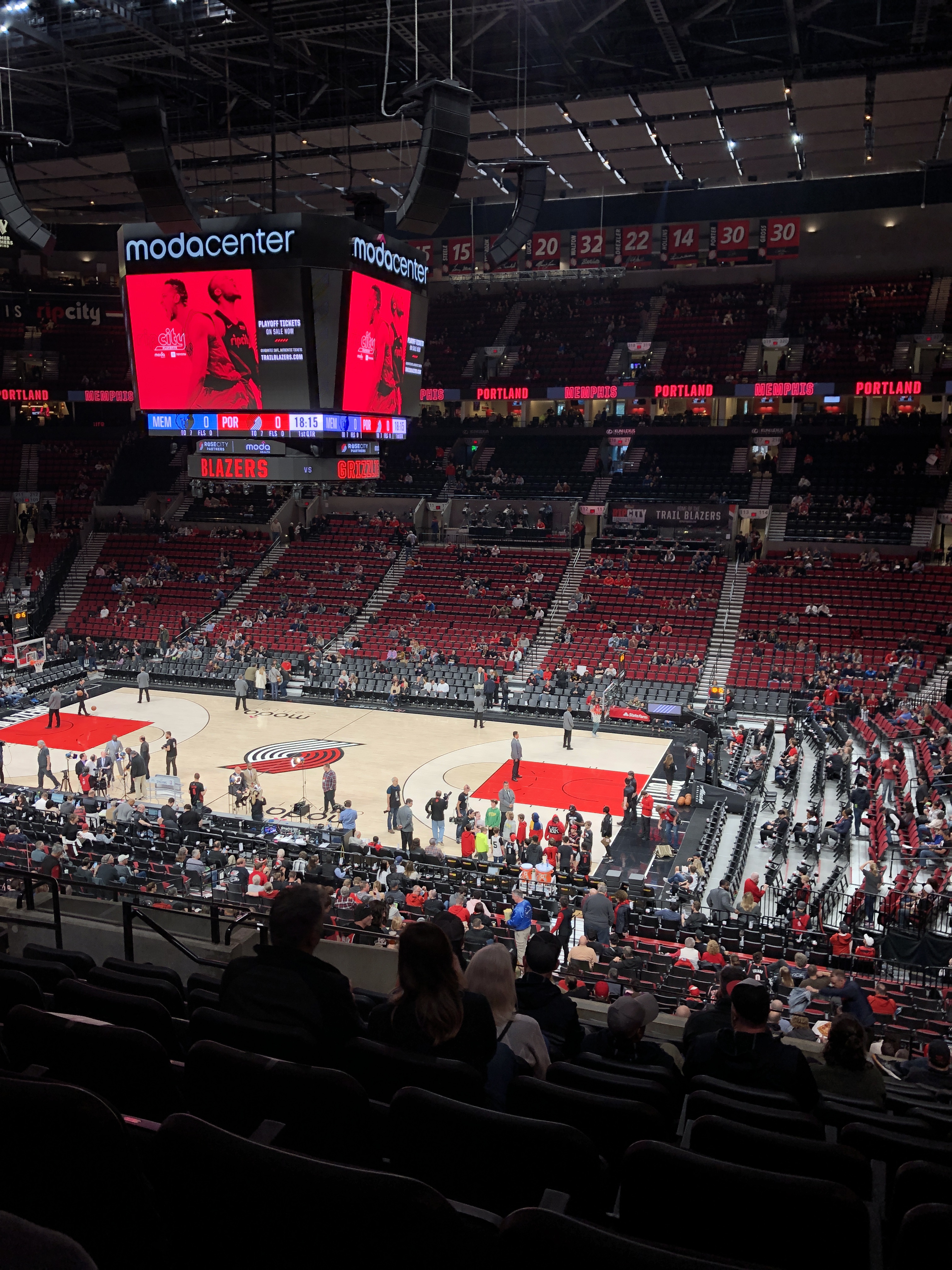
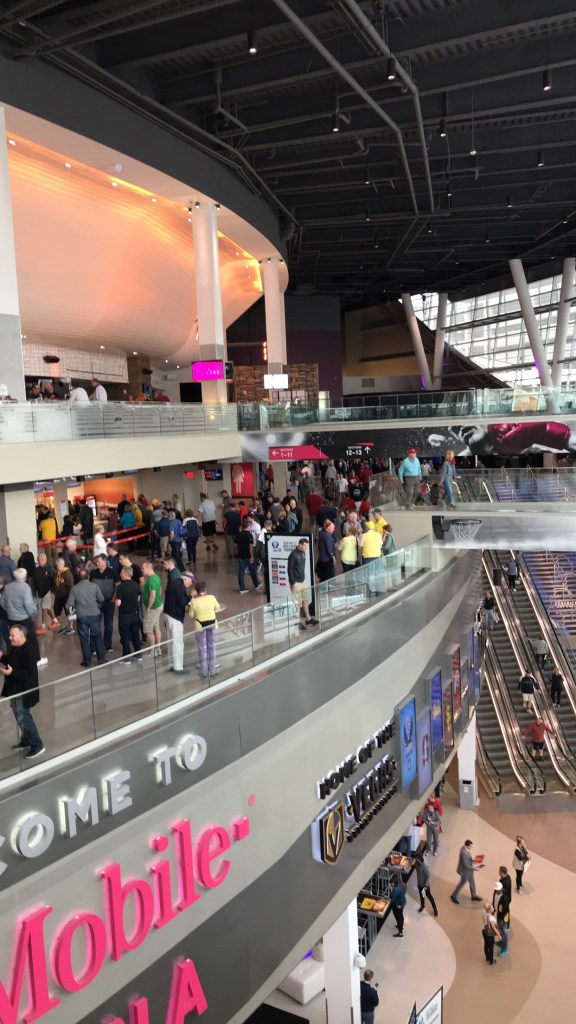
My idea is to transform these images into a brochure that outlines the different avenues of my future career field.

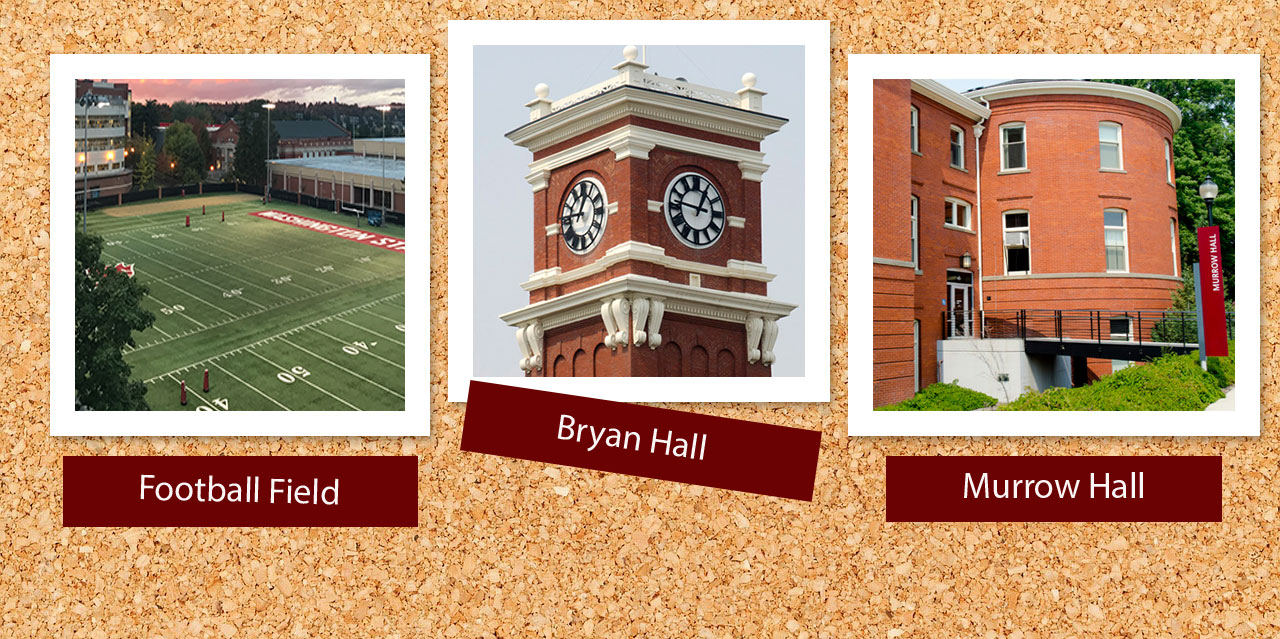
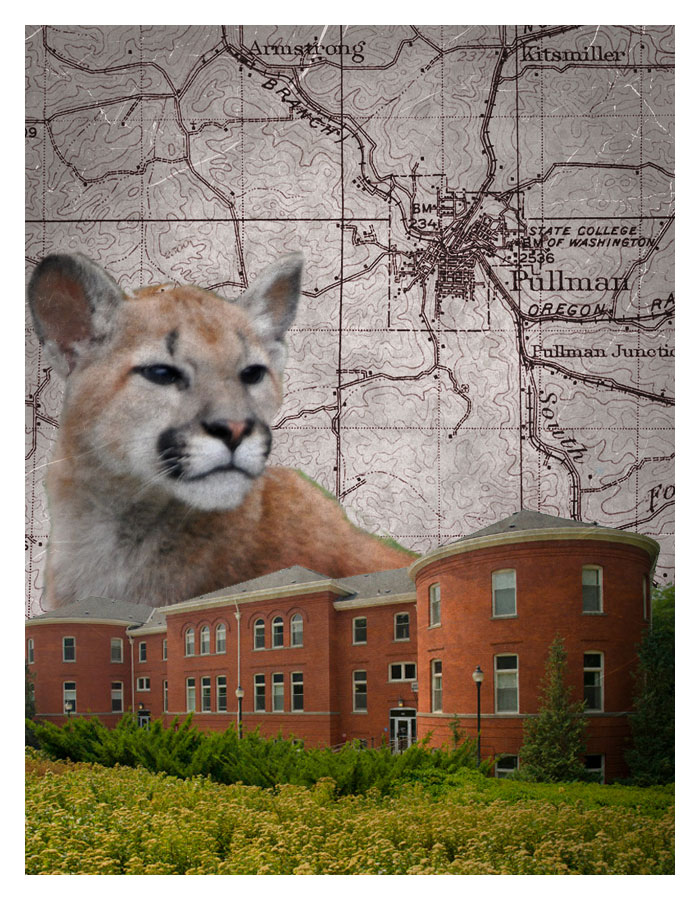
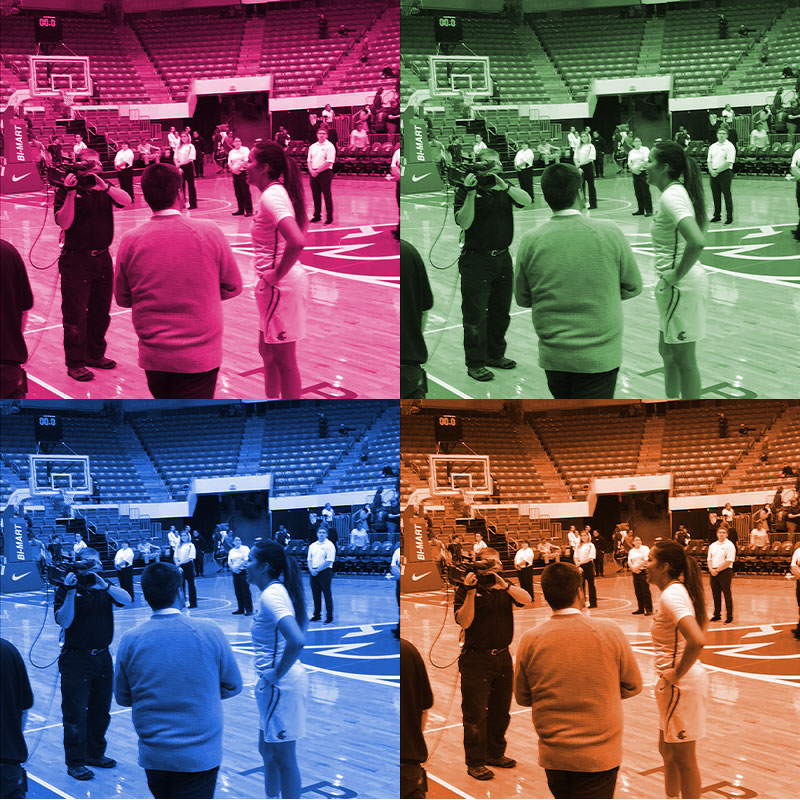
My completed tutorials.
Be yourself; Everyone else is already taken.
— Oscar Wilde.
This is the first post on my new blog. I’m just getting this new blog going, so stay tuned for more. Subscribe below to get notified when I post new updates.
This is an example post, originally published as part of Blogging University. Enroll in one of our ten programs, and start your blog right.
You’re going to publish a post today. Don’t worry about how your blog looks. Don’t worry if you haven’t given it a name yet, or you’re feeling overwhelmed. Just click the “New Post” button, and tell us why you’re here.
Why do this?
The post can be short or long, a personal intro to your life or a bloggy mission statement, a manifesto for the future or a simple outline of your the types of things you hope to publish.
To help you get started, here are a few questions:
You’re not locked into any of this; one of the wonderful things about blogs is how they constantly evolve as we learn, grow, and interact with one another — but it’s good to know where and why you started, and articulating your goals may just give you a few other post ideas.
Can’t think how to get started? Just write the first thing that pops into your head. Anne Lamott, author of a book on writing we love, says that you need to give yourself permission to write a “crappy first draft”. Anne makes a great point — just start writing, and worry about editing it later.
When you’re ready to publish, give your post three to five tags that describe your blog’s focus — writing, photography, fiction, parenting, food, cars, movies, sports, whatever. These tags will help others who care about your topics find you in the Reader. Make sure one of the tags is “zerotohero,” so other new bloggers can find you, too.





 Felicia Ziemer